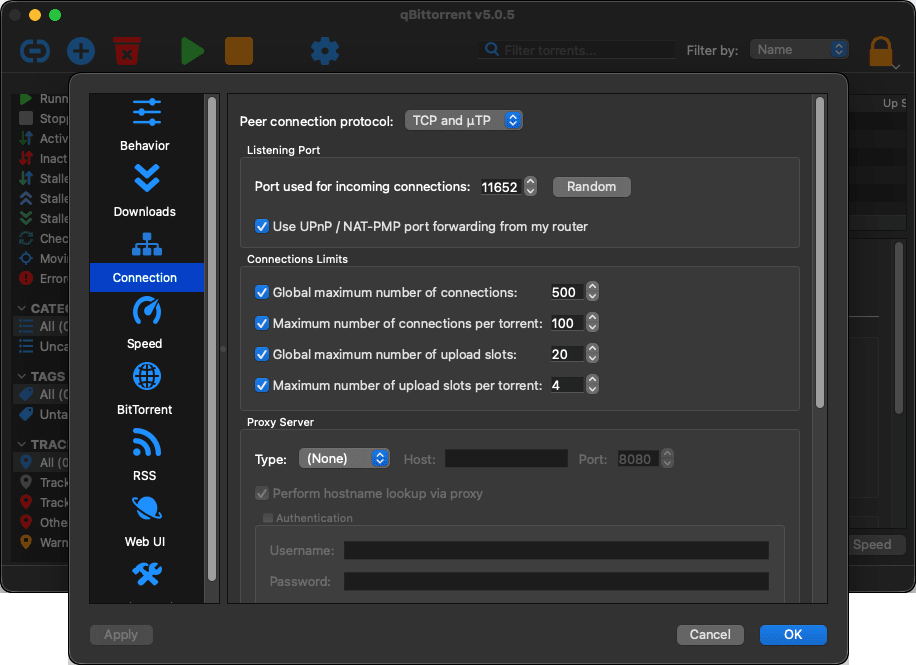
qBittorrent has quickly become one of the most popular open-source BitTorrent clients out there. While macOS has several capable torrent clients available (like Transmission), qBittorrent stands out as one of the best choices due to its unmatched feature set and zero-ad policy.
The app itself offers simplicity, reliability, no annoying ads, and full user control. It is a free torrent client that is available on macOS and several other platforms. Not only does it offer you a powerful torrent client, but it also brings a clean and efficient user interface to download, manage, and seed torrent files. It carries a strong reputation among users who want a great ad-free experience.
Download management and torrent controls
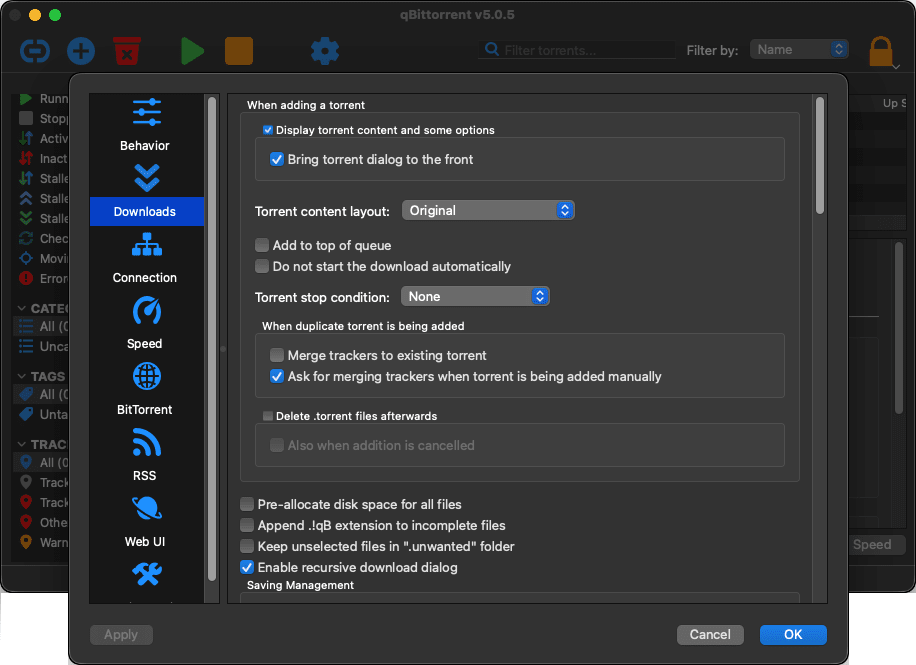
qBittorrent offers a ton of tools for managing torrent downloads and uploads. You can easily add, remove, pause, resume, and force resume torrents. Adding torrents is as easy as using .torrent files or magnet links, and the app will automatically begin connecting to seeders to start the download process at the maximum possible speeds.
You can also adjust download priorities for specific files within the torrent, adjust download/upload speeds, and manage queues. This flexibility, coupled with no ads, provides fantastic value to users.
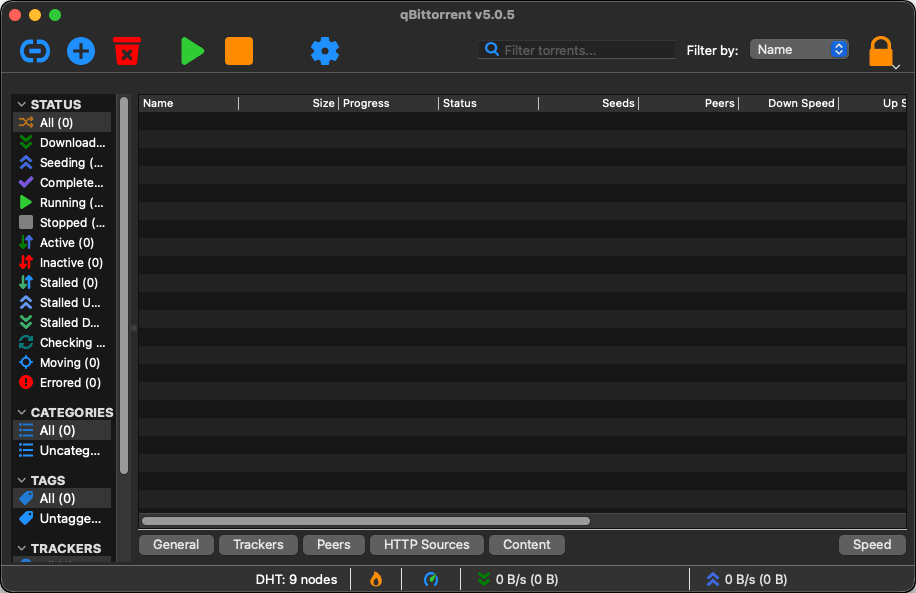
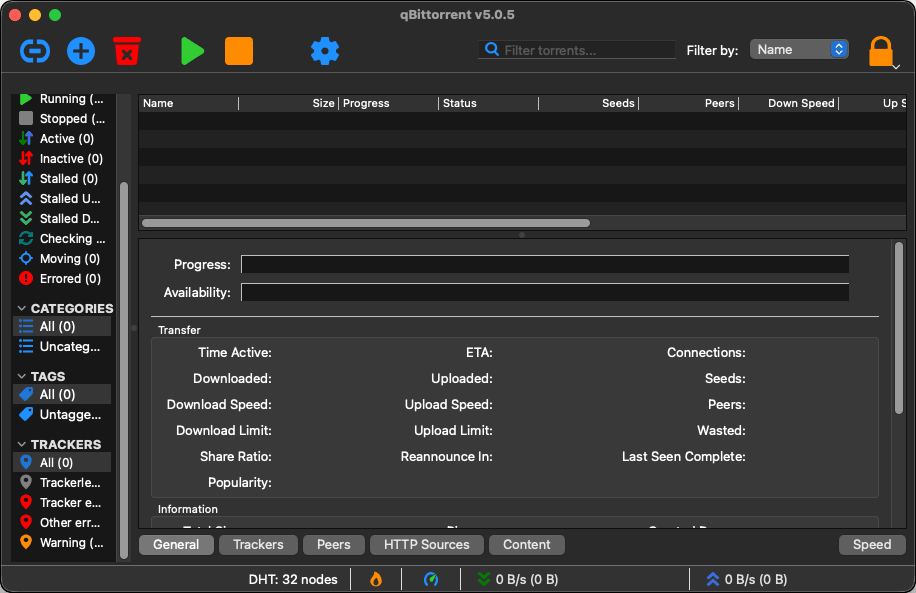
All the necessary information is available on the main screen, which shows all the torrents currently loaded within the app, whether you are downloading them or seeding them, along with their progress and tracker status. All torrents are neatly organized according to their statuses in categories like All, Downloading, Seeding, Completed, Active, and Paused.Advanced features
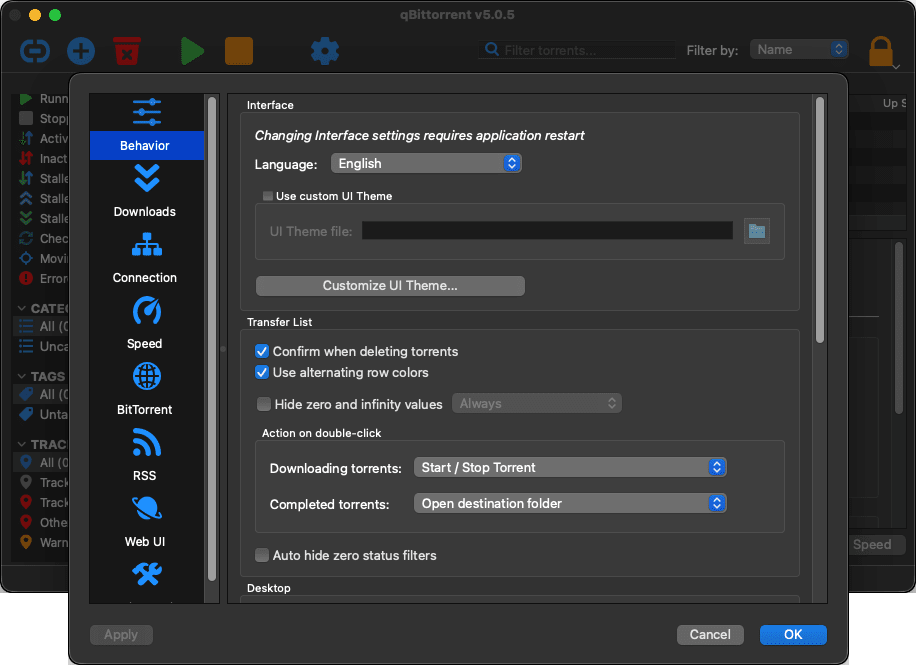
qBittorrent provides users with a few more useful features than your average torrent client. Some of those features include scheduling and managing bandwidth, RSS feed support for automatic downloads, and IP filtering/encryption.
There is also the search system, which you can enable by going to View > Search Engine. While it is highly effective, Mac users should note that it requires Python to be installed on their system (since Apple removed Python natively in macOS 12.3) and relies on installing third-party search plugins to function.A clean and powerful torrent client for Mac users
qBittorrent for Mac is an open-source torrent client that offers a well-balanced combination of simplicity and advanced functionality. Designed to be lightweight and efficient, it runs smoothly on macOS without consuming extra resources, even when multiple torrents are active at the same time, offering you stable performance. It also features native Apple Silicon support, ensuring modern Macs run it flawlessly.
Because it is open-source, the software is continuously improved by a global community of developers. Updates often bring performance optimizations, security fixes, and compatibility improvements for modern systems.